
Connect cameras and sensors
You can connect a USB camera to your target system to work with the reference image.
After the USB camera is connected, you must ensure that it is made available by VMware:
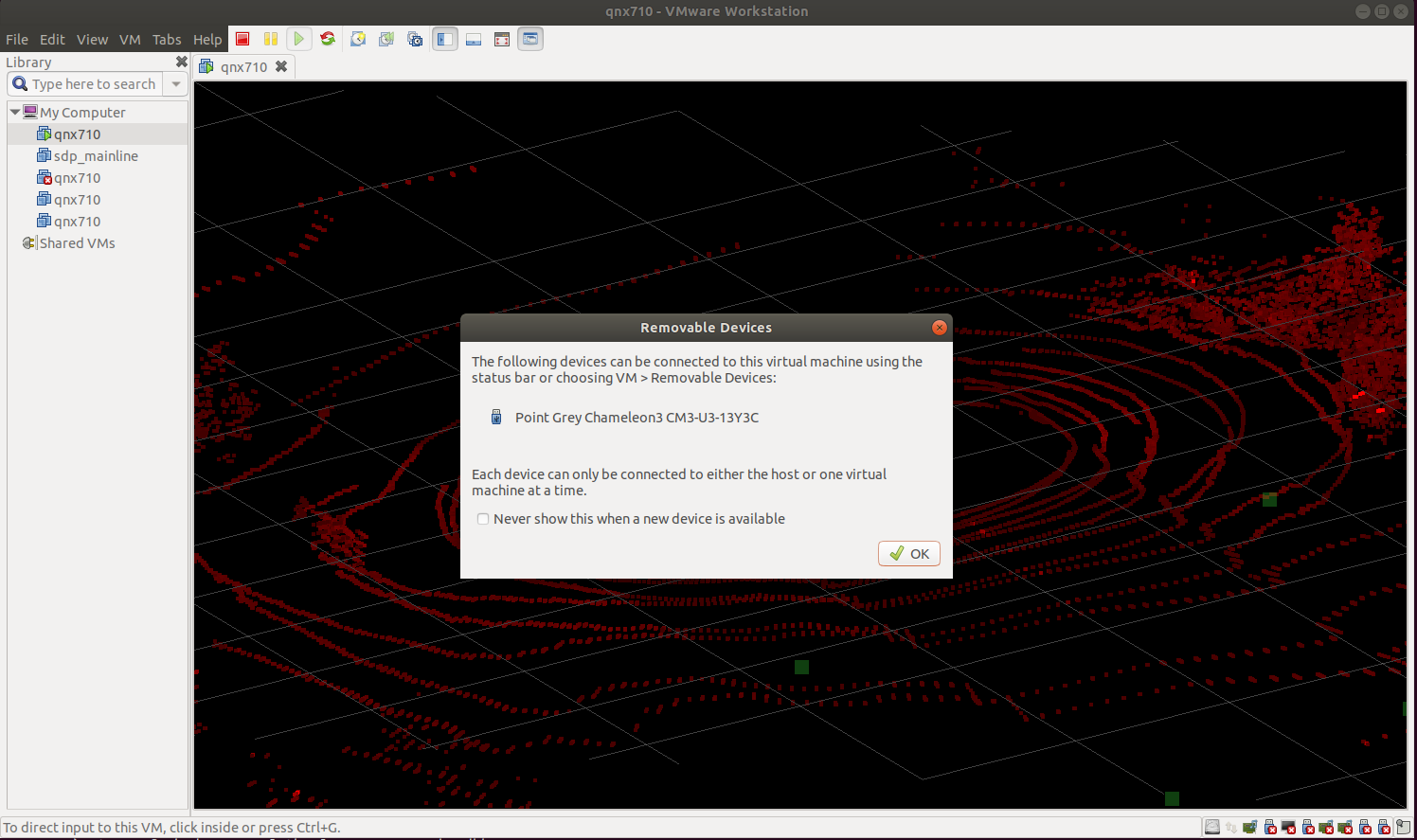
- When the camera is detected by the VMware image before a connection is established, a popup window appears:
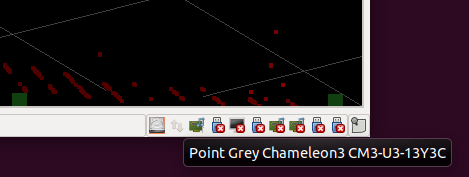
- Find the USB camera by hovering over the not connected devices area in the bottom right corner of the VMware window:
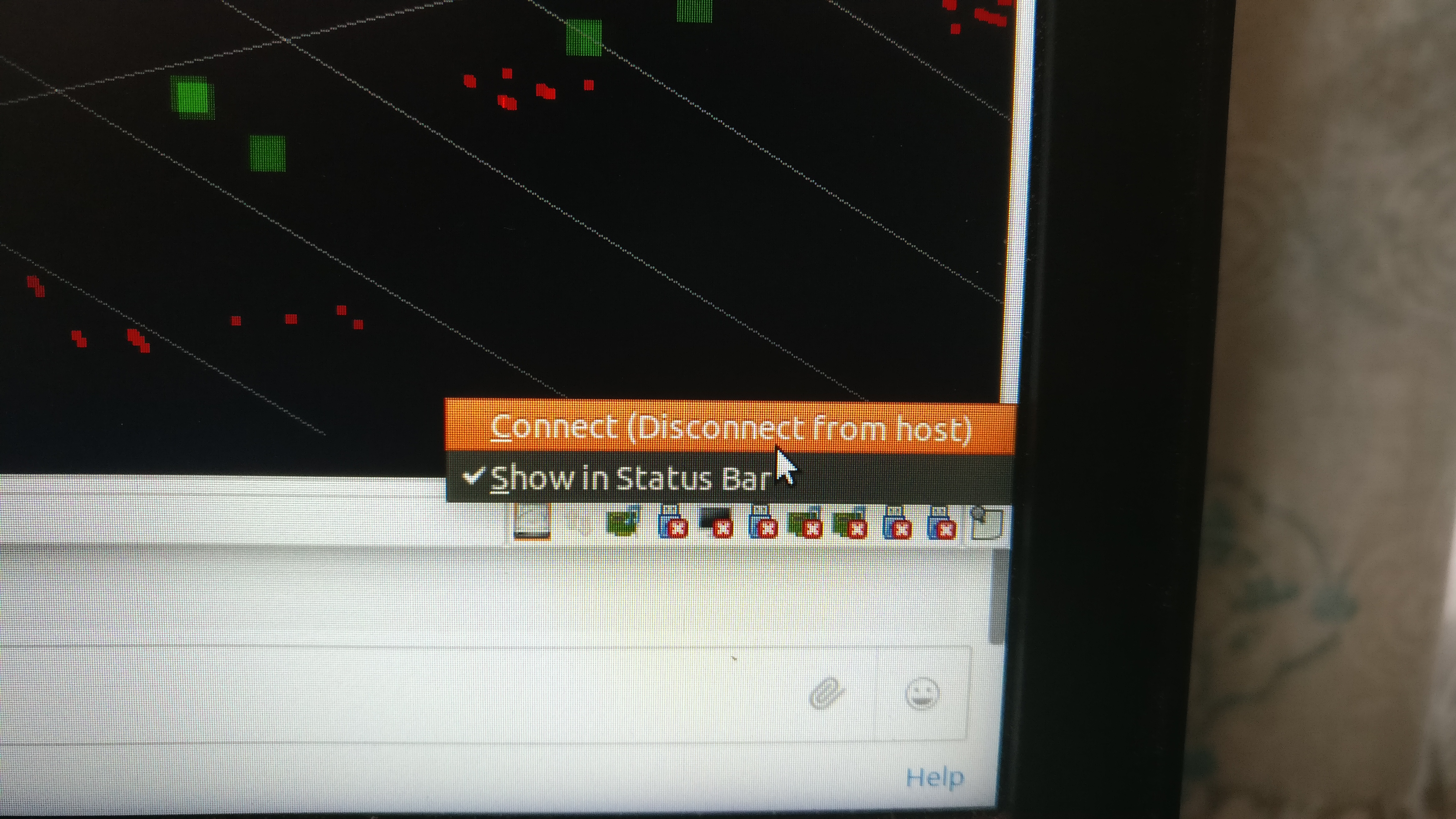
- Right-click the USB camera and then select Connect from the context menu:
Page updated: